
![[object Object]](/_next/image?url=https%3A%2F%2Fcdn.sanity.io%2Fimages%2F15uaalow%2Fproduction%2Fa289e224f770ae0d5a4a1e7fc9bbd6fee32bfca3-1672x941.png%3Ffit%3Dmax%26auto%3Dformat&w=3840&q=75)
You usually do not need a new ERP. Whether you use Tally, SAP, Oracle, Zoho, Odoo or ERPNext, start by identifying which workflows need to connect.
Looking for an “ERP for Blinkit and Zepto”?
That search usually points to an operational problem rather than an accounting problem:
- Purchase orders are being entered twice.
- Platform SKU codes do not match ERP item codes.
- Stock is committed to multiple channels.
- Dispatch quantities, invoices and receipts do not match.
- Finance cannot explain deductions or short payments.
Your ERP can remain the system of record. A connector or integration layer handles the differences between channels.
The same approach can extend to other ecommerce, quick-commerce and modern-trade customers—without replacing your ERP for every new trading partner.
Do Blinkit, Zepto, Amazon and Instamart have APIs?
APIs exist in this ecosystem. The important question is whether your account can access the transactions you need.
For Blinkit, Zepto and Instamart, confirm vendor integration access, supported documents and onboarding requirements with the platform or your integration provider. Do not assume that an available API supports every workflow.
Amazon provides Selling Partner APIs, but seller and vendor integrations differ. Marketplace orders, wholesale purchase orders and settlement data are not interchangeable.
Before choosing a solution, ask:
- Is the integration supported for our vendor account?
- Can it receive POs and retrieve receipt or payment data?
- Can it submit invoices or ASNs where required?
- What approvals, credentials, testing and usage limits apply?
“Has an API” does not automatically mean “ready to connect to our ERP.”
What data moves between the platform and your ERP?
Purchase orders: platform to ERP. The integration brings in the platform’s PO number, product codes, quantities, prices, delivery location and requested delivery dates. It maps those details to your item master and usually creates a sales order in your ERP.
Stock and allocation: ERP to planning tools or supported channel interfaces. Your ERP provides available stock by warehouse, after accounting for existing reservations. This helps your team avoid committing the same inventory to quick commerce, Amazon and other customers. Sharing availability with a platform depends on the interfaces supported for your account.
ASN and dispatch: ERP to platform, where supported. An Advance Shipping Notice (ASN) communicates what you are sending against a purchase order. Depending on the platform and product category, it may include shipment quantities, case counts, batch numbers and expiry dates. The integration should use actual dispatch data so the notice matches the physical shipment.
Invoices: ERP to platform. Invoice data includes the invoice number, PO references, supplier and buyer GST details, product quantities, prices and tax values. The integration should validate these fields before submission and track acceptance or rejection where that feedback is available.
Goods receipts and payments: platform to ERP or a reconciliation layer. Receipt data shows what the platform accepted and any recorded shortages. Payment and settlement records show remittances and deductions. Comparing these records with your invoices helps finance identify mismatches and investigate short payments.
A goods receipt note (GRN) records receipt; it does not explain every payment deduction. Reconciliation may also require returns, claims and settlement records. Your warehouse stock should also remain distinct from inventory already purchased and held by a platform.
Three ways to integrate
1. Manual processing and structured imports
Your team processes channel documents and imports approved data into the ERP.
This can work at low volumes, but duplicate entry, missed changes and reconciliation effort increase as you add customers and locations.
2. A managed ERP connector
A connector translates channel data into ERP transactions and manages mappings, validation and exceptions.
This suits businesses that want multiple integrations without maintaining each one internally. Confirm the exact channel–ERP combination and workflows supported—not just whether both logos appear on a website.
3. A custom API integration
Your IT team or implementation partner builds against approved platform and ERP interfaces.
This offers control, but your team owns testing, monitoring, security and ongoing changes. It is most useful when established connectors cannot meet your requirements.
How integration differs by ERP
TallyPrime and BUSY integration. Start by checking the supported interfaces for your installed version. The connector must map platform SKU codes to your ERP items, create the agreed sales orders or vouchers, and validate entries before posting. Your IT or implementation team should also confirm connectivity, duplicate prevention and how failed transactions are corrected.
Zoho Books and Zoho Inventory integration. Decide which application owns each workflow before connecting your channels. Zoho Books handles accounting, while Zoho Inventory provides order and inventory workflows, including warehouse and shipment management. Check API limits, organisation settings and how transactions move between the applications to avoid duplicate records.
SAP integration. The integration design depends on whether you use SAP Business One, ECC or S/4HANA. These products have different interfaces and implementation requirements. Agree how platform POs become sales orders, how dispatches create delivery records, and how invoices and receipt discrepancies are handled. Middleware can keep channel-specific changes separate from your core SAP configuration.
Oracle integration. Specify whether your business uses Oracle NetSuite, Fusion Cloud ERP or E-Business Suite. “Oracle integration” is not a single technical setup: each product has different APIs, transaction models and configuration requirements. Confirm the supported approach for sales orders, fulfilment, billing and reconciliation in your particular system.
Microsoft Dynamics 365 integration. Business Central and Dynamics 365 Finance and Supply Chain Management require different integration designs. Your IT team should check available APIs, installed extensions, legal entities and warehouse settings. Where required, confirm that batch and expiry details can move through the order and dispatch workflows.
Odoo and ERPNext integration. Check your software version, hosting arrangement, API permissions and customisations. The integration must respect your existing sales, stock and accounting workflows, including any custom fields or approval rules. Test item mapping, warehouse allocation, transaction creation and error recovery before going live.
For all these ERPs, a purchase order received from a platform usually becomes a sales order in your system—because the platform is buying and your business is selling.
How to connect your ERP: six practical steps
1. Choose the first workflow.
Start with PO-to-sales-order automation or invoice-to-GRN reconciliation. Define a measurable outcome, such as fewer manual entries or faster exception resolution.
2. Confirm access and document coverage.
List what each channel can exchange for your account. Separate confirmed capabilities from planned ones.
3. Map products and units.
Match platform SKU IDs to ERP item codes, barcodes, packs and case sizes. One case of 12 must not become one unit.
4. Map entities and locations.
Validate buyer and supplier GSTINs, bill-to and ship-to addresses, dispatch warehouses and tax treatment. A separate warehouse does not necessarily require a separate GSTIN.
5. Test real exceptions.
Include revised POs, partial dispatches, batch restrictions, short receipts and duplicate submissions. Food, cosmetics and pharma workflows may need category-specific expiry controls.
6. Pilot, then expand.
Begin with one channel and dispatch location. Assign owners for operational errors, finance exceptions and technical failures.
What does ERP integration cost?
There is no reliable universal price. Compare quotes against the same scope:
- Setup: channel onboarding, ERP configuration, mapping and testing.
- Recurring fees: subscriptions, transaction volumes and support.
- Custom development: specialised workflows or ERP modifications.
- Maintenance: interface changes, monitoring and exception handling.
Ask whether the quote includes only PO import or also dispatch, invoices, GRNs and reconciliation. A cheaper PO-only connector is not equivalent to an end-to-end integration.
Frequently asked questions
Can I automatically import Blinkit or Zepto orders into Tally?
Yes, where the integration supports your channel access and Tally configuration. It must map products, create the agreed transactions and prevent duplicates.
Can SAP integrate with quick-commerce platforms?
Yes. The design depends on your SAP product, approved platform interfaces and required workflows. Middleware can isolate SAP from channel-specific changes.
Can one connector handle Amazon and quick commerce?
Yes, but verify support for your Amazon seller or vendor model alongside your quick-commerce workflows. Their order and settlement processes differ.
Do I need to change my ERP?
Usually not. Contact us to check whether your existing ERP supports the required transactions, stock controls and integration interfaces.
Get an integration plan for your ERP
Tell us your ERP and version, channels, monthly PO volume and priority workflows. We’ll send a one-page integration plan with scope, estimated timeline and cost within 24 hours.
More Articles to Explore
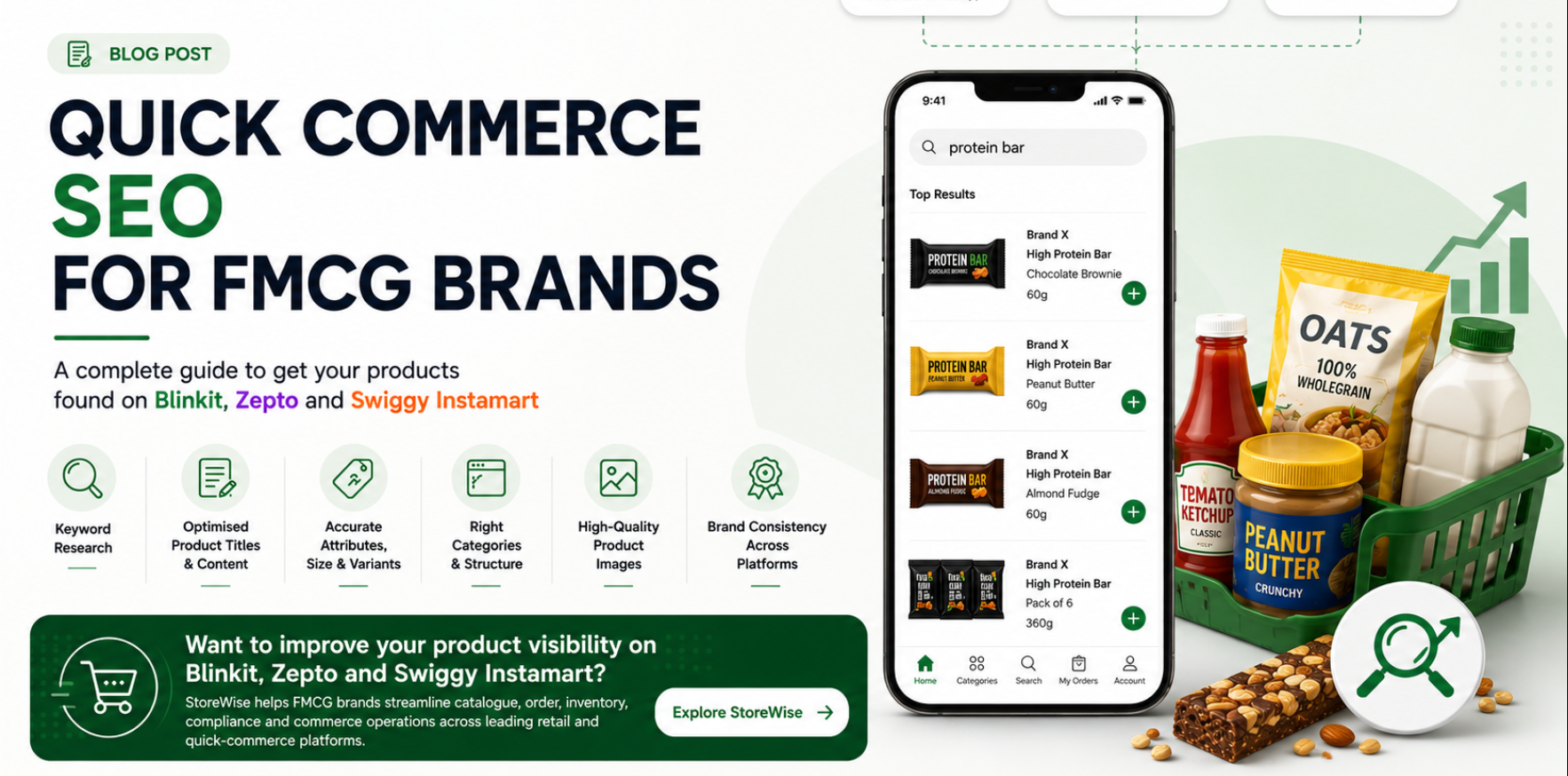
Get Found on Blinkit, Zepto & Instamart
A shopper who once planned a grocery purchase for the weekend can now search for “oats,” “face wash,” “baby diapers,” or “cold coffee” and expect delivery within minutes. For FMCG, D2C, personal care, home care, beverage, snack, and wellness brands, platforms such as Blinkit, Zepto, Swiggy Instamart, and BigBasket have become important digital shelves.
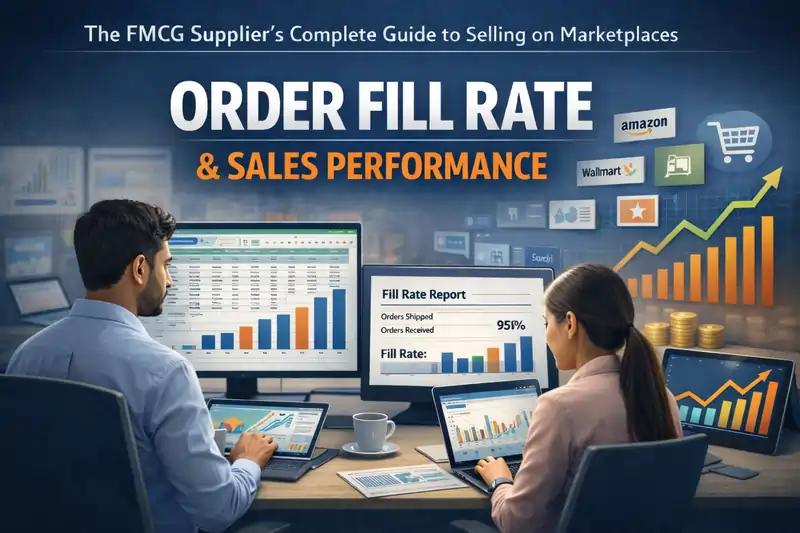
Onboarding on Qcom Is Easy. Staying Relevant Is Not
Today, most of quick commerce market is controlled by three major platforms: Blinkit, which is owned by Zomato, Zepto, and Swiggy Instamart. Each of these platforms works in a slightly different way, rewards different types of operational behaviour, and penalises different kinds of mistakes.
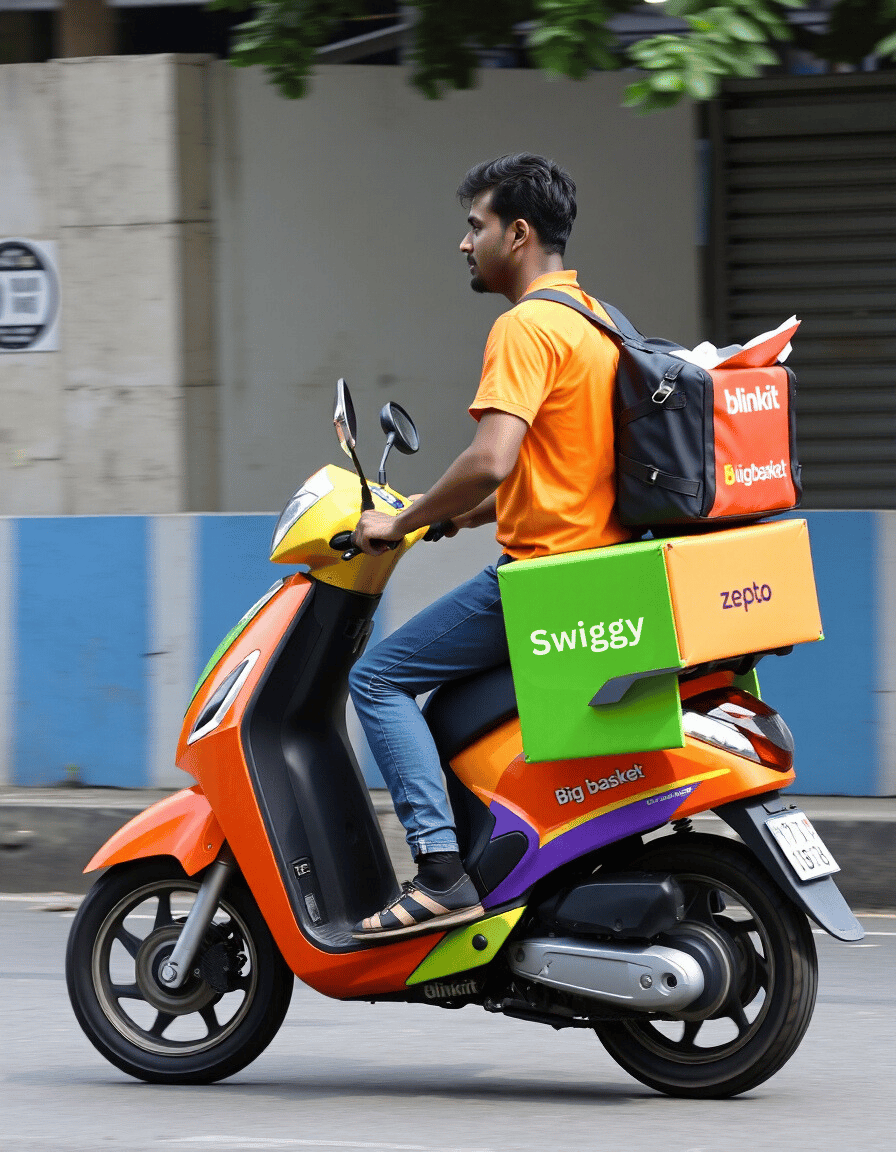
Integrating with Quick Commerce APIs
India's leading quick commerce platforms for instant delivery—Blinkit, Zepto, Swiggy Instamart, and BigBasket—are revolutionizing how brands manage supply chain operations at scale, delivering goods to consumers in as little as 10 minutes. For brands dispatching bulk inventory to fulfillment centers, API integration is the cornerstone of automated supply chain optimization for quick commerce.
A Complete Guide for Indian D2C Brands
Is your brand struggling to supply products to quick commerce platforms like Blinkit, Zepto, and Swiggy Instamart across different cities? You're not alone. Many Indian D2C brands find it challenging to manage multiple dark store deliveries while keeping their costs low. Let's explore practical solutions that actually work.